|

|
|
Finally...freedom to unleash your creativity!
|
(Click on a title below for great ideas. Download
anything you want to use in your teaching.)
|
FUN WITH WORD ART
|
|
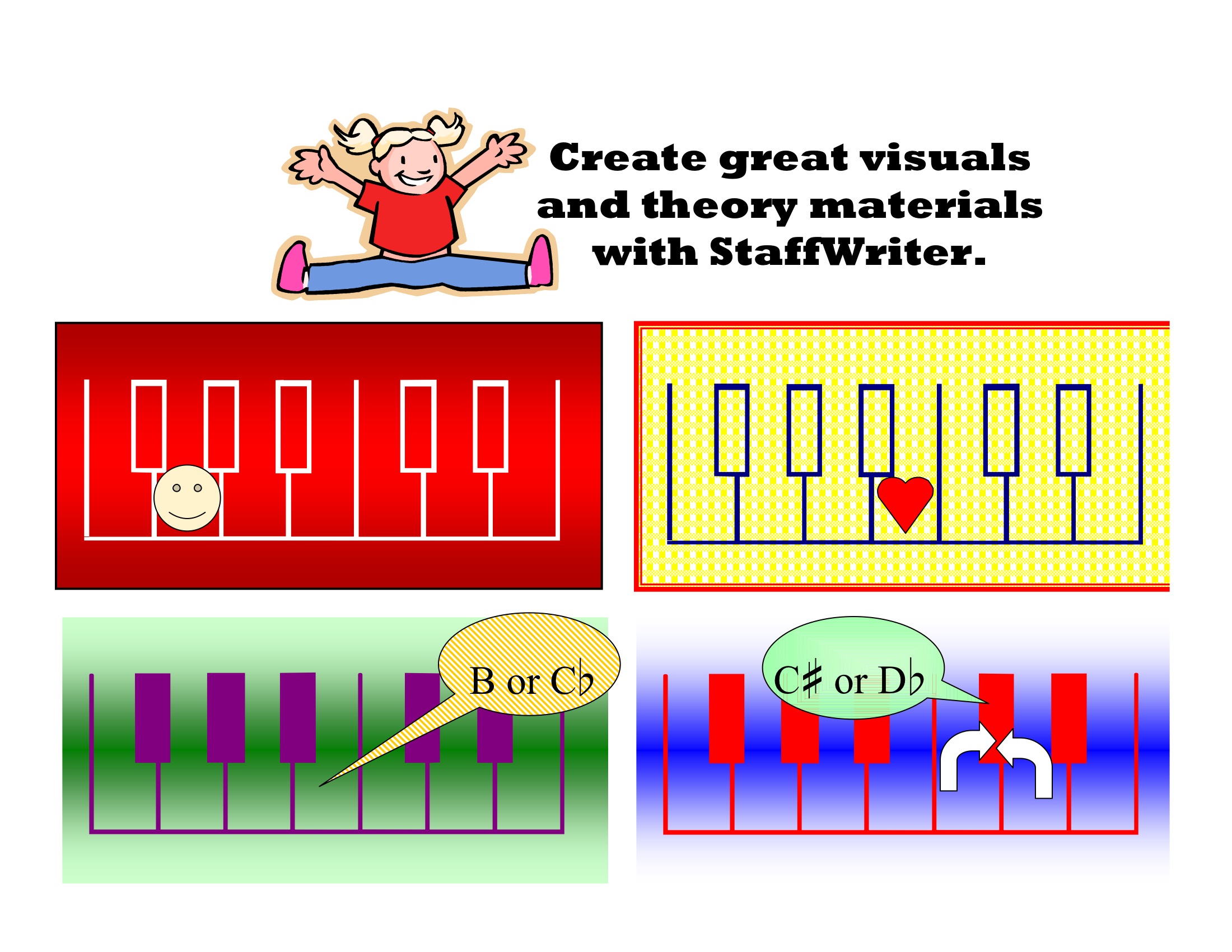
KEYBOARD VISUALS
WANT NOTES IN COLORS?
CUSTOM QUIZZES
NOTES WITH NAMES IN THEM
MORE IDEAS!
|
|
|
*BINGO CARDS
*BINGO CARD INSTRUCTIONS:(You'll
need StaffWriter installed on your computer to make other Bingo cards.
Here are easy instructions.) First,
make one BINGO template, using your word-processing app. (Our example has 2 cards on one page, making 2 Bingo cards.) Then, "copy
as" and re-name the master copy--i.e. Bingo2. Copy and re-name each file so that you have enough cards for an entire class to have a card. Once you have all the
masters that you need, go back to each saved master
file and, systematically, switch a few
symbols on each card so that each
card is a little different.Otherwise, everyone would
"Bingo" at the same time. :-) NOTE: Keep a list of all the symbols used so you have a master list for the "caller".TIP: On
the first master, use Text Boxes for eachsymbol in order to make centering new symbolseasier
on each subsequent card that you make.
|
| |
| |
|
|
StaffWriter will be one of
the most useful teaching
tools you'll ever buy! |
|